Using Facetune to Plan Your Wardrobe Refresh


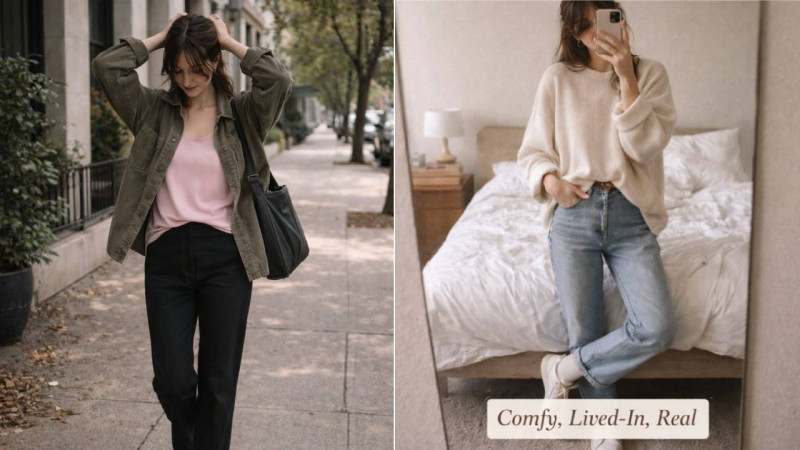
A wardrobe refresh can take many forms. Sometimes it’s a seasonal update that brings in lighter fabrics or richer autumn colors. Other times it marks a lifestyle shift, a new job, or simply the realization that you’ve been wearing the same pieces for too long. Whatever your reason, a refresh helps you reset your personal style with intention.
Facetune might not be the first tool that comes to mind for style planning, yet it’s surprisingly effective. Beyond the selfie editing features it’s known for, Facetune’s AI-powered fashion tools, developed by Lightricks, let you test colors, silhouettes, and full outfit combinations before you spend a dollar. Think of it as a low-pressure, budget-friendly way to try on outfits digitally while building confidence in your style decisions.
In light of that, this guide blends a tutorial with a styling session, showing you exactly how to use Facetune to explore new ideas and map out your next wardrobe update.
Step 1: Clarify Your Style Goals
Every decent wardrobe refresh starts with intention. So, ask yourself what sparked the need for change.
Is the season shifting? Did you recently start a different role at work? Are you stepping into a new routine or simply feeling bored with your clothes?
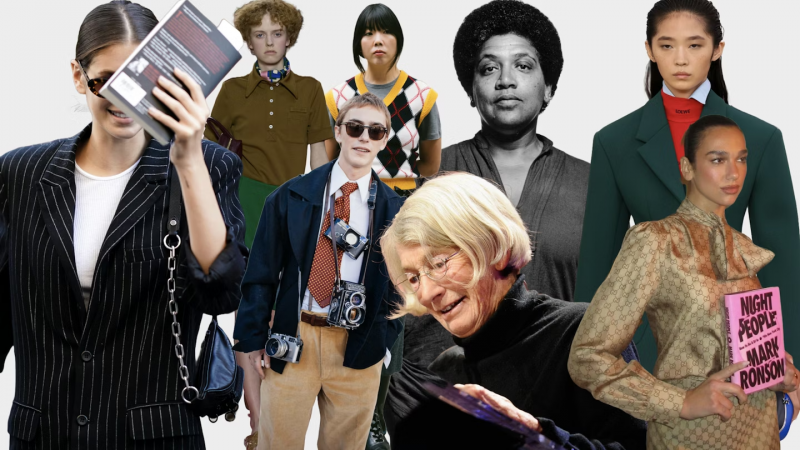
Once you know the “why,” narrow the visual direction you want. Minimalist neutrals? Bolder streetwear? Soft classics? Color-driven looks? It often helps to pull a small mood board together using Pinterest, screenshots, saved TikToks, or brand lookbooks. A few images are enough to reveal consistent patterns in color and cut.
When your inspiration folder is ready, bring those ideas into Facetune. Upload a selfie and explore the AI Personal Stylist features to set a baseline. Use quick prompts in the AI Clothes tool to generate outfits aligned with your mood board. Phrases like “neutral capsule wardrobe,” “edgy streetwear jacket,” or “soft-feminine blazer” produce visual interpretations instantly.
Step 2: Try Out New Colors Before You Commit
Color is one of the fastest ways to refresh your wardrobe, yet it’s also where many people feel least confident. It’s easy to assume certain shades won’t suit you until you see them on.
Facetune’s My Color Analysis tool helps you understand which tones complement your skin and features most naturally. Once you have your palette, test colors directly on your selfie.
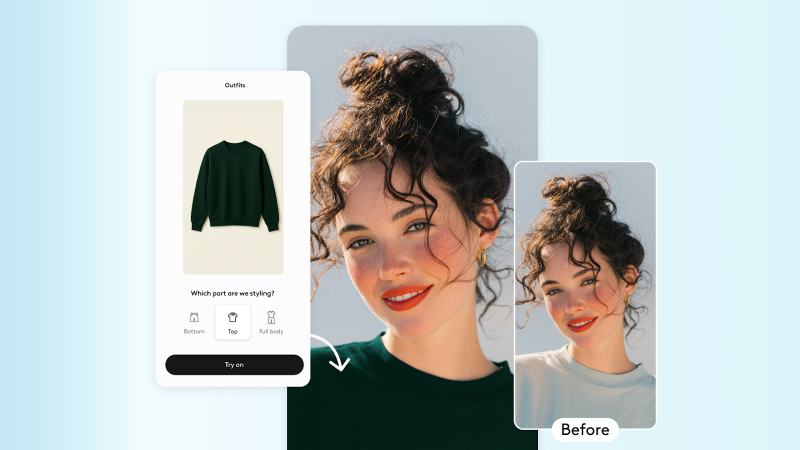
For instance, adjusting the shade of a top, jacket, or accessory to mimic the tones you’re considering. This gives you a realistic preview, helping you decide whether a new color category deserves space in your closet before you buy anything.
Step 3: Test Silhouettes and Proportions Digitally
A wardrobe refresh often introduces new shapes. For example, oversized blazers, wide-leg trousers, cropped knits, longline coats, or sharper tailoring. Silhouettes influence your look as much as color does, especially when your current closet feels repetitive.
Upload a full-body photo into Facetune and open the AI Outfit tool. Use prompts that call out the silhouettes you’re curious about. For instance, “oversized blazer,” “wide-leg trousers,” “structured longline coat,” “cropped jacket with high-rise jeans.” Facetune generates realistic try-ons that show how those proportions might work on your actual frame, long before you reach a fitting room.
This digital “try-before-you-buy” step filters out shapes that don’t suit your proportions and highlights the silhouettes that genuinely elevate your wardrobe.
Step 4: Edit Existing Items to See if They Deserve a Comeback
A refresh doesn’t always mean buying new pieces. Sometimes the clothes you already own need a better styling approach, a new pairing, or a small alteration.
Use Facetune to experiment with ways to revive older items. Could a pair of jeans look stronger if they were cropped? Would a faded jacket feel new again in a darker tone? Maybe your favorite top looks better with gold accessories than with silver?
Previewing these tweaks digitally gives you clarity on which items to rework, donate, or replace, helping you stretch your wardrobe further while cutting down on unnecessary purchases.
Step 5: Experiment With Statement Pieces Without the Risk
Statement pieces, such as bright trench coats, metallic boots, patterned blouses, and bold accessories, can transform a wardrobe refresh. Yet, many people hesitate because they worry the item will sit unworn.
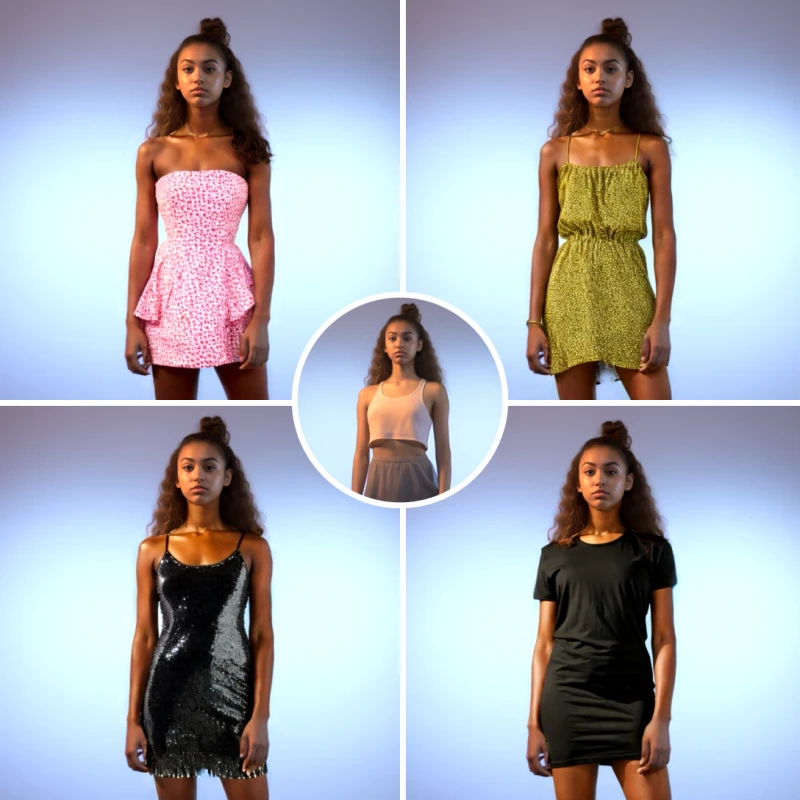
Use AI Outfits in Facetune to test stand-out pieces safely.
Try out:
- Metallic boots
- Bold printed tops
- Bright outerwear
- Oversized scarves or jewellery
Seeing these items styled on your own body helps you sort long-term favorites from fleeting trends. You’ll feel more confident investing in statement pieces that genuinely add energy to your wardrobe.
Step 6: Create a Shopping Plan Based on Your Digital Try-Ons
After experimenting with colors, silhouettes, and outfit combinations, you’ll start noticing consistent themes. Maybe jewel tones stand out. Maybe wide-leg trousers work beautifully.
Maybe you’re missing layering pieces or accessories.
Whatever it is, use your Facetune results to make a simple, intentional shopping plan.
With that said, here are a few practical tips:
- Set a budget so impulse buys don’t derail the refresh
- Prioritize pieces that work across multiple outfits
- Look for fabrics and fits designed to last
Export your favorite AI outfit edits and save them as a mini lookbook on your phone. This becomes a handy reference when browsing online or shopping in person.
Where to Go from Here
A wardrobe refresh should feel inspiring rather than overwhelming. Facetune turns the planning stage into something playful and intentional, giving you space to try ideas without commitment and see how they translate on your own body. So, let your digital try-ons guide the real-world versions, and enjoy stepping into a wardrobe that feels more like you.



Trending Collections







Popular Tags
Traje de trabajo de talla grande
24 Posts
Trajes De Mezclilla
237 Posts
Pantalones rasgados
873 Posts